
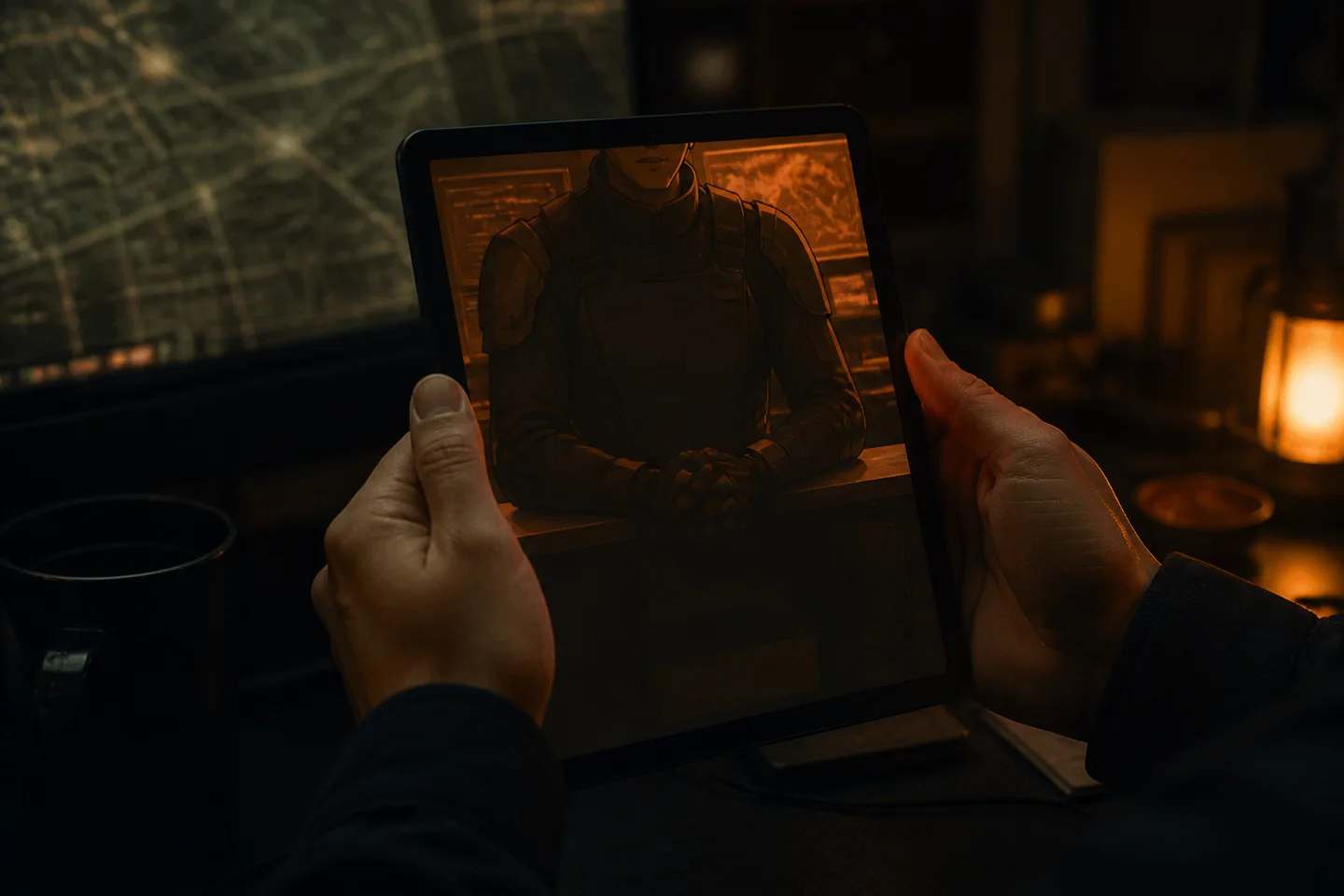
Kaiju No 8 movie AI video chat lets you roleplay directly with a Defense Squad commander through live, face-to-face video calling. On Prelulu, you initiate a call, hear the character answer in their own voice, and see their facial expressions respond in real time. You can speak freely or cut in mid-sentence, while your own camera stays off unless you choose to share it.
Anime finale news: Kaiju No. 8 heads to the big screen
The finale of the anime series "Kaiju No. 8" will be released as a feature film, accompanied by its first teaser poster and premiere year, according to reporting by iXBT.games. The adaptation shifts the final arc from episodic broadcast television to theaters under the tagline announcing the end of the human era.
For roleplay enthusiasts, the transition to a theatrical finale heightens the dramatic stakes of the Defense Squad universe. Instead of reading passive lore summaries or waiting months between releases, readers increasingly use AI character video calls to place themselves directly inside the tension of impending catastrophe. Setting up a Defense Squad character allows roleplayers to experience tactical debriefs, perimeter checks, and emergency command decisions as active participants before the movie arrives in cinemas.
Defining live avatar video roleplay in 2026
Live avatar video chat in 2026 is an interactive call where an AI companion speaks with an audible voice while its on-screen face renders expressions and mouth movements in real time. Rather than generating a pre-rendered video file to watch after the fact, the system responds dynamically to your verbal input. You talk, the character listens, and the character answers as if you were connected on a standard video call.
On Prelulu, this setup operates across text chat, live voice calls, and face-to-face video calls. In an informational roleplay scenario—such as reporting an uncataloged breach to Third Division command—the back-and-forth unfolds continuously. The character's delivery carries emotion, shifting between stern reprimands and hurried orders depending on the details you report.
Step 1: Establishing the Defense Squad roleplay context
On Prelulu, the roleplay begins before any call connects, starting in text chat where foundational scenario parameters and relationship dynamics are logged. You can build your own tactical scenario using Prelulu's anime character starting template or start from an existing roleplay profile in the catalog.
Consider a worked scenario involving Captain Ren, an austere Kaiju Defense Squad commander tasked with monitoring subterranean tremors near Tachikawa. In text chat, you establish that your character is a rookie reconnaissance officer stationed at an auxiliary observation post. Recent chat context and saved relationship notes carry into subsequent calls, though memory remains selective rather than a verbatim transcript of every line exchanged.
Step 2: Connecting the real-time video call
Transitioning from text to live video occurs on Prelulu by opening the character profile and selecting the video call option. Prelulu opens a full-screen call interface where the Defense Squad commander appears on screen, dressed in tactical gear against an operations room display.
As of October 27, 2026, more than 100 characters in Prelulu's public catalog support video calling. Video and voice calls consume account credits, while text chat operates under a daily free allowance. When Captain Ren connects, the call does not display a static image; the commander looks forward, blinks, and shifts posture as the audio channel opens.
Step 3: Face-to-face vocal exchange and mid-reply interruption
During a Prelulu live call, when you speak into your microphone to announce that seismic sensors picked up a massive fortitude signature, the character processes the audio and responds in his designated voice. Captain Ren does not merely send text; his eyebrows narrow, his mouth matches the rhythm of his words, and his delivery reflects the sudden operational pressure.
A key mechanical element of live calling is voice interruption. If Captain Ren begins delivering standard protocol instructions to hold your ground, you can speak over him mid-sentence to state that the seismic readings are doubling. The character halts his previous line and pivots to address your new input, preserving the pacing required during an emergency simulation.
Step 4: Camera privacy and optional visual input
Your personal camera stays off by default during every call on Prelulu, and the character cannot see you unless you explicitly grant camera permission and turn your camera on.
Where camera sharing is available and permitted, the character can perceive what you show. If you hold up a hand-drawn perimeter map or point your lens at a rough sketch of a monster footprint, an enabled system can incorporate visual cues into the dialogue. If your camera remains off, the interaction remains strictly driven by your spoken voice and previous chat history.
How live video calling platforms compare
Different AI companion platforms handle voice, video, and roleplay under distinct technical frameworks in 2026. The following table outlines verifiable call modes, avatar presentation mechanisms, and access terms across documented services based on verified documentation.
Prelulu (prelulu.ai)
- Call Modes Offered
- Text chat, live voice calls, live video calls
- Avatar Output Type
- Live video avatar with synchronized voice and emotion
- Camera Sharing
- Optional; off by default, requires permission
- Pricing & Access Terms
- Limited daily free text allowance; calls use credits
Kindroid
- Call Modes Offered
- Text chat, voice calls, Live Avatar Video
- Avatar Output Type
- Live avatar video with synchronized speech and gestures (checked 2026-09-19)
- Camera Sharing
- Optional camera sharing, requires foreground on mobile (checked 2026-09-19)
- Pricing & Access Terms
- Standard web subscription costs $13.99 for 1 month when purchased directly on the web (checked 2026-09-02); Standard Live Video costs 2,000 audio credits per minute; Premium costs 4,000 audio credits per minute (checked 2026-09-19)
Character.AI
- Call Modes Offered
- Text chat, voice calls (c.ai+)
- Avatar Output Type
- Real-time video demonstrated in research, not launched as consumer feature (checked 2026-09-19)
- Camera Sharing
- Not verified in public consumer documentation
- Pricing & Access Terms
- c.ai+ costs $9.99/mo or $94.99/yr; platform in Chapter 11 sale (checked 2026-10-16)
PopVid
- Call Modes Offered
- Live video calls, turn-based video stories
- Avatar Output Type
- Real-time web video roleplay (checked 2026-10-08)
- Camera Sharing
- Not verified in public FAQ
- Pricing & Access Terms
- Pro Pass includes 50 daily refreshed credits; no public pricing list (checked 2026-10-08)
| Platform | Call Modes Offered | Avatar Output Type | Camera Sharing | Pricing & Access Terms |
|---|---|---|---|---|
| Prelulu (prelulu.ai) | Text chat, live voice calls, live video calls | Live video avatar with synchronized voice and emotion | Optional; off by default, requires permission | Limited daily free text allowance; calls use credits |
| Kindroid | Text chat, voice calls, Live Avatar Video | Live avatar video with synchronized speech and gestures (checked 2026-09-19) | Optional camera sharing, requires foreground on mobile (checked 2026-09-19) | Standard web subscription costs $13.99 for 1 month when purchased directly on the web (checked 2026-09-02); Standard Live Video costs 2,000 audio credits per minute; Premium costs 4,000 audio credits per minute (checked 2026-09-19) |
| Character.AI | Text chat, voice calls (c.ai+) | Real-time video demonstrated in research, not launched as consumer feature (checked 2026-09-19) | Not verified in public consumer documentation | c.ai+ costs $9.99/mo or $94.99/yr; platform in Chapter 11 sale (checked 2026-10-16) |
| PopVid | Live video calls, turn-based video stories | Real-time web video roleplay (checked 2026-10-08) | Not verified in public FAQ | Pro Pass includes 50 daily refreshed credits; no public pricing list (checked 2026-10-08) |
This comparison reviews publicly documented features and subscription terms as of their recorded dates. Prelulu publishes this guide and develops its own live avatar calling platform. Readers seeking broader platform overviews can consult our guide to the best AI character video call apps or review character AI alternative video chat options.
Practical realities and operational trade-offs
Engaging in an AI video call on Prelulu involves structural trade-offs that differ from traditional paragraph-based text roleplay. Because the experience runs as a live conversation, you do not receive an exportable, edited video file at the end of the session. The call is ephemeral, designed for immediate conversational presence rather than archived media.
Furthermore, avatar movements and visual reactions can occasionally repeat during extended conversations. Response latency can vary based on network conditions, and character memory captures key narrative details rather than exhaustive transcripts. Balancing live video calls with periodic text debriefs ensures your defense squad narrative remains structured across multi-day campaigns.
Your starting character
Make an original anime-inspired character for chat. Customize a night-train mechanic's personality, backstory and first scene before creating. Nao is an original character, not a recreation of a named anime character.