
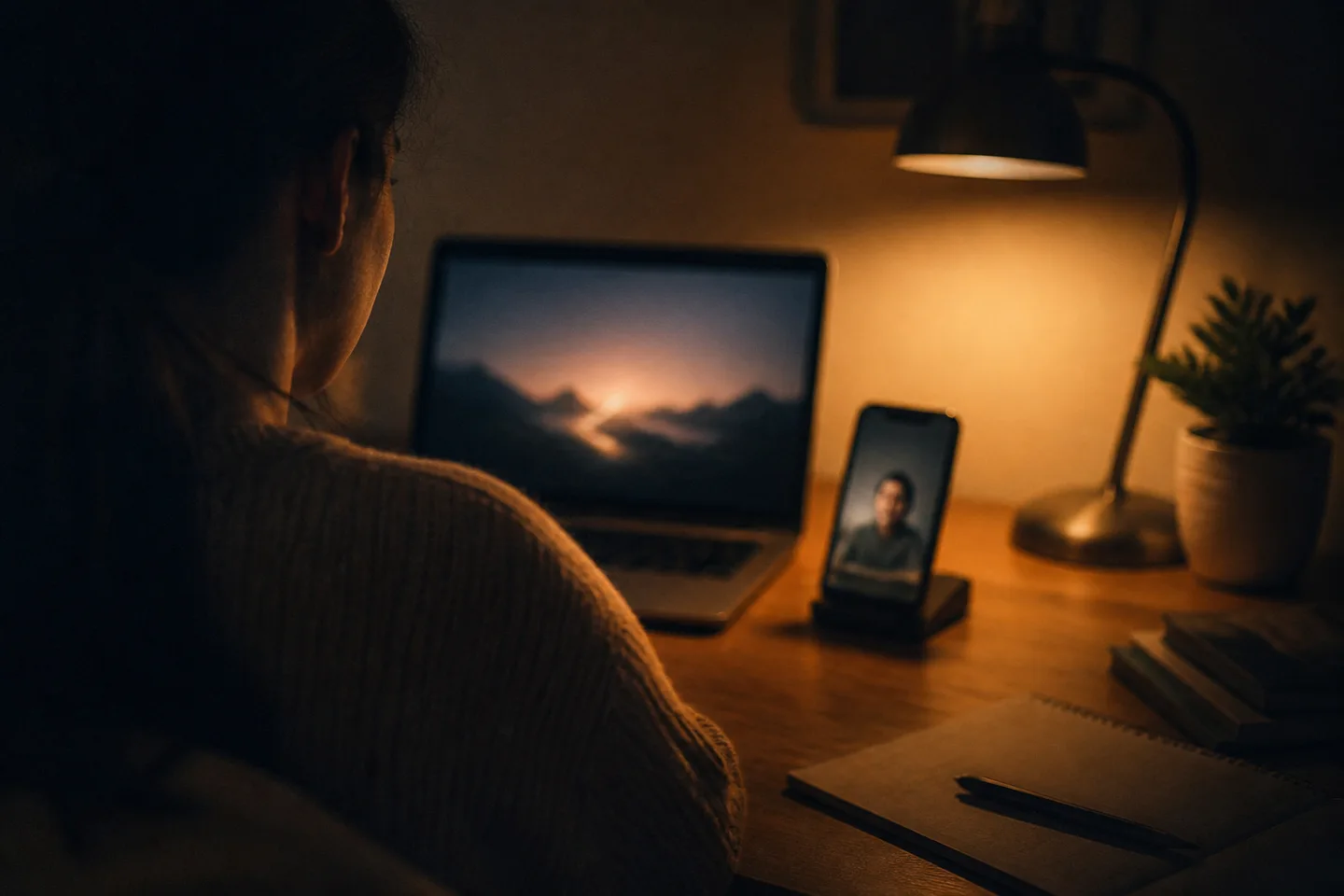
Practicing spoken conversation with Prelulu provides a zero-pressure environment where you can test phrases, manage pauses, and speak aloud without fear of social judgment. An AI character is software, not clinical therapy, and does not treat or cure social anxiety. However, engaging in spoken voice or live video calls where your camera stays off lets you accustom your voice to spontaneous dialogue before stepping into everyday human conversations.
What an AI Conversational Sandbox Actually Offers
Using Prelulu as an AI for social anxiety conversational sandbox allows you to practice spontaneous verbal exchanges without social stakes, judgment, or awkward aftermath. Prelulu, an AI companion app with live video calls, provides conversational partners who respond in real time, giving you a structured space to practice speaking words aloud rather than merely typing them into a text field.
For anyone who experiences hesitation, voice shaking, or rapid heart rates when speaking to others, the physical act of vocalizing thoughts can feel like an insurmountable barrier. Traditional social exposure often carries fear of judgment, perceived awkwardness, or lasting reputational consequences. Interacting with an AI provides a deliberate middle ground: the sensory stimulation of hearing a voice respond to your speech, paired with the complete certainty that the conversational partner is software with no personal memory of awkwardness outside its configured state.
Why Spoken Practice Differs From Text Chat
Spoken conversation forces real-time processing and vocal articulation, whereas text messaging allows unlimited time to edit, delete, and overthink every sentence. Many people experiencing social anxiety find that while they can text comfortably, speaking aloud triggers physical friction: shallow breathing, throat tension, and sudden verbal freezes.
When you engage with an AI you can just talk to, your vocal cords engage in pacing, tone modulation, and verbal delivery. In Prelulu, you can cut in mid-sentence during a voice or video call if you need to redirect the dialogue, mimicking the natural flow of real interruptions without the dread of offending a human acquaintance. Because the software responds directly to speech, it helps bridge the gap between internal thoughts and audible words.
Step 1: Selecting a Calming Character Setup
Selecting a character setup in Prelulu begins on the catalog screen, where you see character card avatars, character names, and descriptive topic tags. Each profile card displays an introductory scene and personality summary, giving you clear visual anchors before you start any interaction.
Browsing these visual cards allows you to choose personas placed in quiet settings, reflective environments, or calm discussion themes, establishing an unhurried baseline before placing a call. Choosing a character centered on thoughtful dialogue rather than intense conflict ensures you are not pressured into rapid banter before you feel settled.
Step 2: Starting in Text Chat to Frame Context
Before starting a call in Prelulu, opening the chat window reveals the conversation history, the character avatar at the top, and the text input field at the bottom of the screen. Typing an opening message in this text input field lets you establish context at your own speed before initiating audio.
Prelulu provides a limited daily text allowance on its free tier, allowing you to establish a scenario or topic without spending call credits. You can use this opening text exchange to define what you want to talk about—whether describing a mundane event from your day, discussing a hobby, or asking a direct question. Because saved relationship details and recent chat context can carry into calls, whatever background you establish in the text window gives the character context once you transition to voice.
Step 3: Initiating a Spoken Call With Camera Off
When you transition from text to a live call in Prelulu, your camera remains completely off by default. You can see and hear the character, but your own space remains private, removing the self-conscious pressure of monitoring your facial expressions or posture.
When you tap the call button, you can choose between a voice call and a live AI video chat. On a video call, the character answers face to face in their own voice, their face and delivery carrying emotion as they respond to your words. If camera sharing is supported on your client, it always requires explicit permission, meaning you can conduct the entire conversation without ever broadcasting your image.
Step 4: Handling Pauses and The First Spoken Exchange
When practicing spoken conversation in Prelulu, handling an awkward pause or hesitant sentence carries zero social penalty. In Prelulu voice and live video calls, the AI character waits for you to finish speaking and responds without impatience, giving you the space to stumble or take several seconds to gather your thoughts.
In everyday human dialogue, an unintended silence can trigger an internal panic spiral; with a Prelulu AI companion, the silence simply sits until you are ready to continue. You can formulate an idea out loud, pause for breath, or use the ability to cut in mid-sentence if you want to redirect the topic. When you hear the character reply directly to your hesitant words in their own voice, the physical tension in your shoulders drops. That realization—that you spoke aloud, navigated an imperfect sentence, and continued the exchange without embarrassment—marks a concrete milestone in practicing verbal confidence.
Comparing Spoken Call Modes and Privacy Controls
Prelulu publishes this documentation comparison and develops the Prelulu platform. Features, camera permissions, and credit models were verified against public documentation and store listings in September 2026; unverified features are noted explicitly.
| Platform | Documented Spoken Modes | Camera Sharing & Privacy | Verified Pricing & Credit Usage |
|---|---|---|---|
| Prelulu | Live voice calls and face-to-face live video calls where the character answers in their own voice. | Camera remains off by default; optional camera sharing requires user permission. | Free plan includes a limited daily text allowance; voice and video calls use credits (detailed on pricing page). |
| Character.AI | Unlimited voice calls included in c.ai+ paid tier (verified 2026-09-01 via character.ai/subscribe). Real-time audio-driven video research announced July 3, 2025; current consumer availability unverified (verified 2026-09-19 via blog.character.ai). | Camera sharing features unverified in supplied sources. | c.ai+ costs $9.99 per month or $94.99 per year USD (verified 2026-09-01 via character.ai/subscribe). |
| Kindroid | Live Avatar Video with real-time gestures using a supplied avatar photo or optional Driving Image (verified 2026-09-19 via kindroid.ai/v2/docs/voice-calls-and-video-calls/). | Callers can enable camera so AI can see; mobile requires app in foreground (verified 2026-09-19 via kindroid.ai/v2/docs/voice-calls-and-video-calls/). | Standard web subscription is $13.99 for 1 month (verified 2026-09-02 via kindroid.ai/v2/docs/subscriptions/). Standard Live Video costs 2,000 audio credits per minute; Premium costs 4,000 audio credits per minute (verified 2026-09-19 via kindroid.ai/v2/docs/voice-calls-and-video-calls/). |
| Replika | Real-time video recognition is gated to the Platinum tier (verified 2026-09-01 via help.replika.com); specific voice call tiers remain unverified by supplied documentation. | Platinum tier enables real-time video recognition to view surroundings; distinct from avatar generation (verified 2026-09-19 via help.replika.com). | Current subscription prices are shown in the app and relevant store; Platinum tier required for video recognition (verified 2026-09-19 via help.replika.com). |
For readers evaluating privacy and data practices across mobile apps, reviewing documented app store listings is standard practice. For instance, our breakdown of whether Talkie AI is safe examines store disclosures, ad models, and data handling before users initiate voice or text chats.
Documented Costs, Limitations, and Platform Boundaries
In Prelulu, practicing spoken conversations involves clear boundaries regarding credit usage, platform availability, and memory retention. As of 2026-10-01, more than 100 characters in Prelulu's public catalog can be video called, accessible across Web (prelulu.ai), iOS (App Store), and Android (Google Play).
- Call usage: Voice and video calls consume platform credits. Current credit packages and allowances are outlined in the app wallet and on the pricing page.
- Selective recall: AI characters remember recent context and major saved details, but memory is selective rather than a full transcript of every past spoken sentence.
- Response timing: Characters speak with emotional vocal delivery and facial movement, but a live call is an interactive conversation rather than a generated video clip you keep.
- Language options: The prelulu.ai website interface is offered in 27 languages. That is the website interface count only, rather than a claim about store listings or individual character fluency.
Keeping conversational sessions short—such as two to five minutes of vocal practice—allows you to practice speaking clearly without draining credits rapidly or turning the session into an exhausting exercise.
Meet your AI character face to face
Choose or create a character for live video chat, roleplay, shared stories or company. Check the available call credits and plans before starting.